Download Extension
PRIVACY
0fiat works only on shopping sites
'%3e%3cpath%20d='M20.25%2010.5V5.25C20.25%205.05109%2020.171%204.86032%2020.0303%204.71967C19.8897%204.57902%2019.6989%204.5%2019.5%204.5H4.5C4.30109%204.5%204.11032%204.57902%203.96967%204.71967C3.82902%204.86032%203.75%205.05109%203.75%205.25V10.5C3.75%2019.5%2012%2021.75%2012%2021.75C12%2021.75%2020.25%2019.5%2020.25%2010.5Z'%20stroke='%2322C55E'%20style='stroke:%2322C55E;stroke:color(display-p3%200.1333%200.7725%200.3686);stroke-opacity:1;'%20stroke-width='1.5'%20stroke-linecap='round'%20stroke-linejoin='round'/%3e%3cpath%20d='M8.25%2012.75L10.5%2015L15.75%209.75'%20stroke='%2322C55E'%20style='stroke:%2322C55E;stroke:color(display-p3%200.1333%200.7725%200.3686);stroke-opacity:1;'%20stroke-width='1.5'%20stroke-linecap='round'%20stroke-linejoin='round'/%3e%3c/g%3e%3cdefs%3e%3cclipPath%20id='clip0_2110_4044'%3e%3crect%20width='24'%20height='24'%20fill='white'%20style='fill:white;fill-opacity:1;'/%3e%3c/clipPath%3e%3c/defs%3e%3c/svg%3e) Runs only on supported stores
Runs only on supported stores
 Disabled automatically on other sites
 Try it out now?
How to Pay with Crypto Using 0fiat
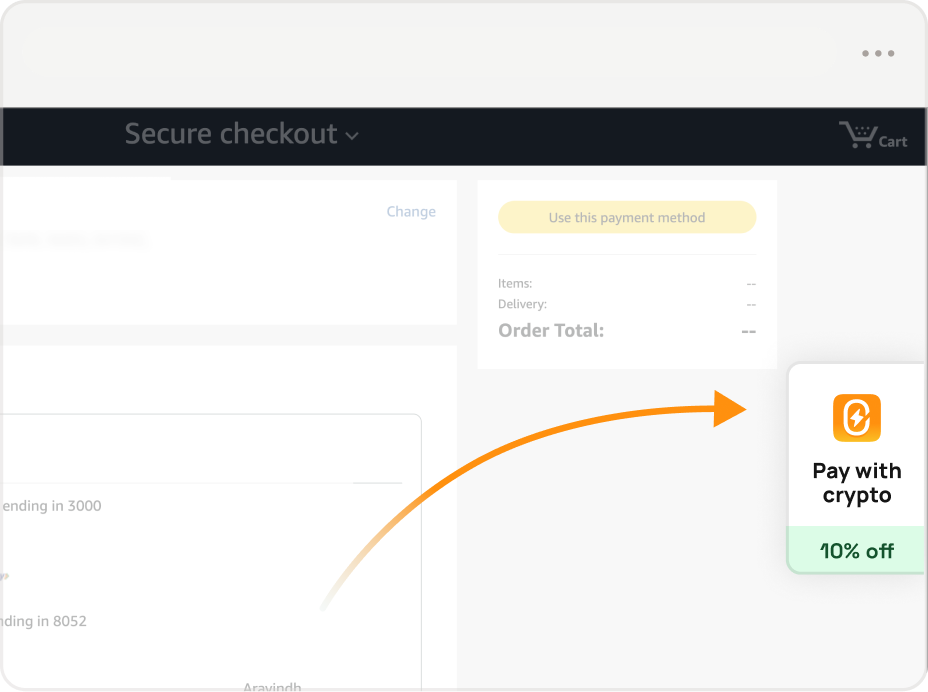
1.
Tap 0fiat at checkout
In any supported store, look for the 0fiat icon during payment.P.S. We'll also show you any discounts we offer :)
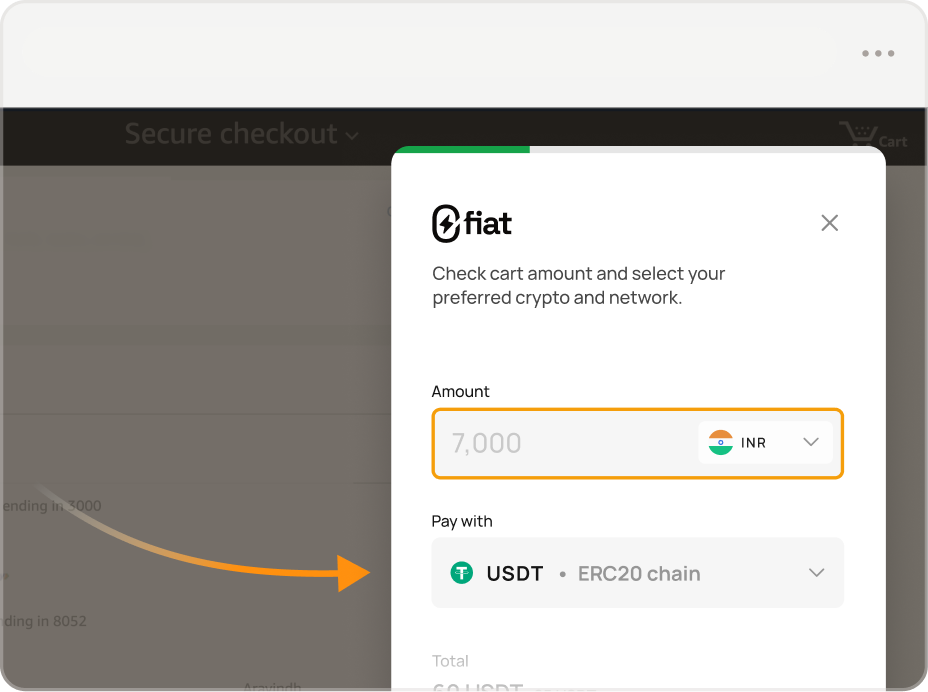
2.
Select crypto
Set your preferred token and network (like ERC20, BEP20, SPL, etc)- Tokens we currently support:
- USDT
- USDC
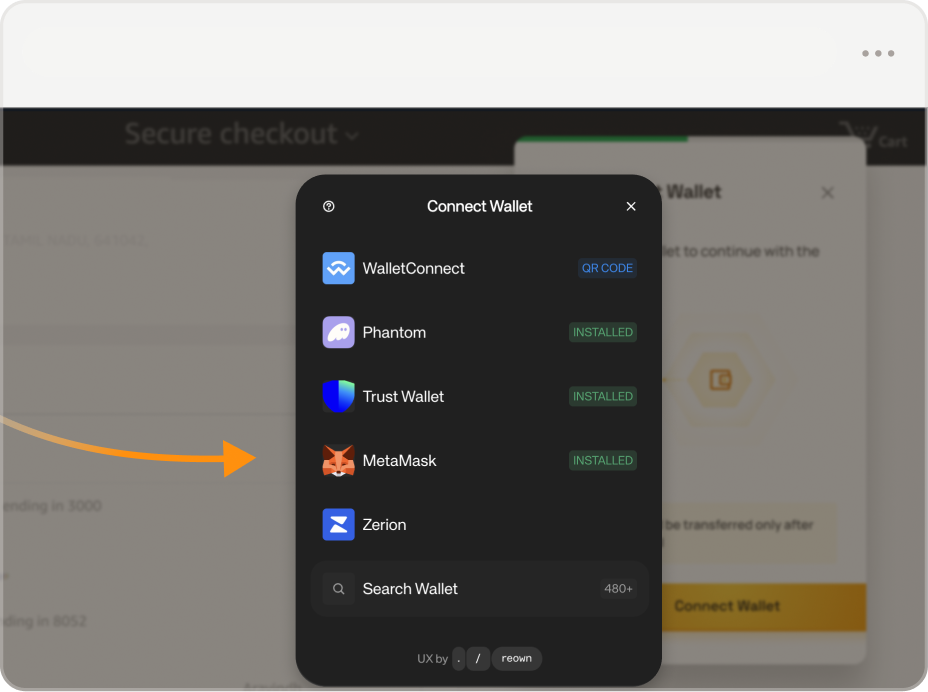
3.
Pay via wallet
Connect your wallet (eg: MetaMask) and approve the paymentOnce done, your checkout will be completed automatically.