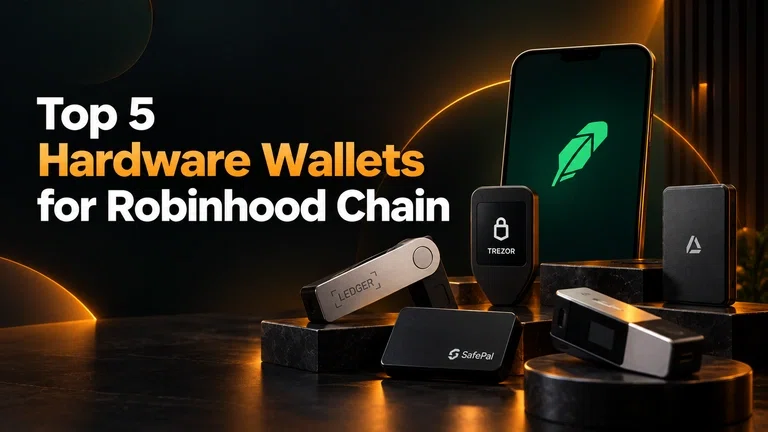
Since launching in July 2026, Robinhood Chain has quickly built a sizable onchain ecosystem, with $1B+ in DeFi TVL, $1B+ in stablecoin market cap, and more than $1.1B in 24-hour DEX volume as of October 2026.
The Ethereum-compatible Layer 2 is built for onchain finance and tokenized real-world assets, using ETH for gas and Chain ID 4663. As activity grows, hardware wallets offer an additional layer of protection by keeping private keys offline.
This guide compares Ledger, Trezor, SafePal, Keystone, and GridPlus, covering their price, features, Robinhood Chain compatibility, and the type of user each is best suited for.
Hardware Wallets for Robinhood Chain Compared
Hardware Wallet | Example Model | Approx. Price | Display | Connection | Robinhood Chain Use | Best For |
Ledger | Flex / Stax / Nano X | $149 to $399 | OLED or E Ink touchscreen | USB-C / Bluetooth / NFC depending on model | Native EVM support | Broad ecosystem and usability |
Trezor | Safe 3 / Safe 5 | €79 to €169 | Buttons or touchscreen | USB-C | Supported through Trezor ecosystem | Open-source approach and usability |
SafePal | S1 / X1 | $49.99 to $69.99 | Color or monochrome | QR / Bluetooth depending on model | Native integration | Lower-cost cold storage |
Keystone | Keystone 3 Pro | $149 | 4-inch touchscreen | Air-gapped / USB-C | EVM-compatible wallet setup | Air-gapped security |
GridPlus | Lattice1 | $397 | 5-inch touchscreen | Ethernet / other connectivity | EVM-compatible wallets | Large-screen advanced users |
Prices are manufacturer-listed prices and can change. Taxes, shipping, regional pricing, and promotions may affect the final cost.
1. Ledger
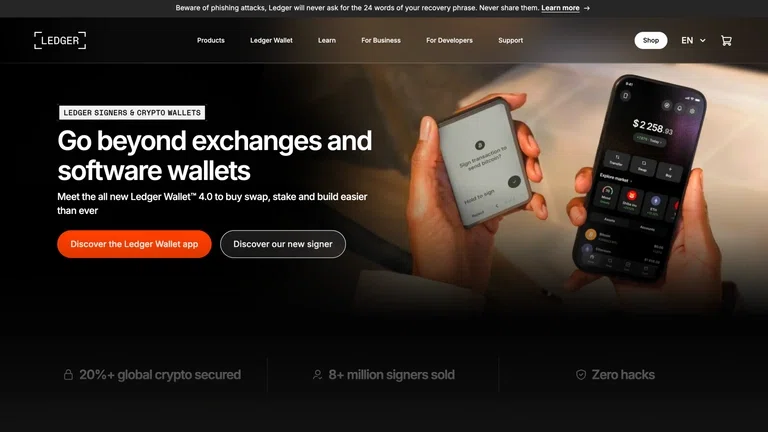
Ledger is one of the most established hardware wallet ecosystems and offers several devices that can be relevant for Robinhood Chain users, including the Nano X, Flex, and Stax.
Ledger's current lineup ranges from the compact Nano X to the touchscreen-based Flex and premium Stax. Ledger lists the Nano X at $149, Flex at $249, and Stax at $399.
Key Information
Feature | Ledger |
Example models | Nano X, Flex, Stax |
Price range | $149 to $399 |
Display | OLED or E Ink touchscreen depending on model |
Connectivity | USB-C, Bluetooth and NFC depending on model |
Security | Secure Element architecture |
Software | Ledger Wallet and compatible third-party wallets |
Robinhood Chain | EVM-compatible support |
Ledger Flex and Stax provide larger E Ink touchscreen interfaces, while the Nano X is smaller and more portable. The Flex and Stax also offer Bluetooth and NFC connectivity, while the Nano X focuses on a smaller form factor with Bluetooth connectivity.
Pros and Cons
Pros | Cons |
Wide hardware wallet ecosystem | Higher-end models can be expensive |
Multiple device options | Smaller Nano screen can be less convenient |
Secure Element architecture | Some advanced features vary by model |
Bluetooth available on supported models | Proprietary hardware/software elements may matter to users who prefer fully open-source approaches |
Strong third-party wallet compatibility | Premium models are considerably more expensive |
Best suited for: Users who want a mature hardware wallet ecosystem with several device options and a polished software experience.
2. Trezor
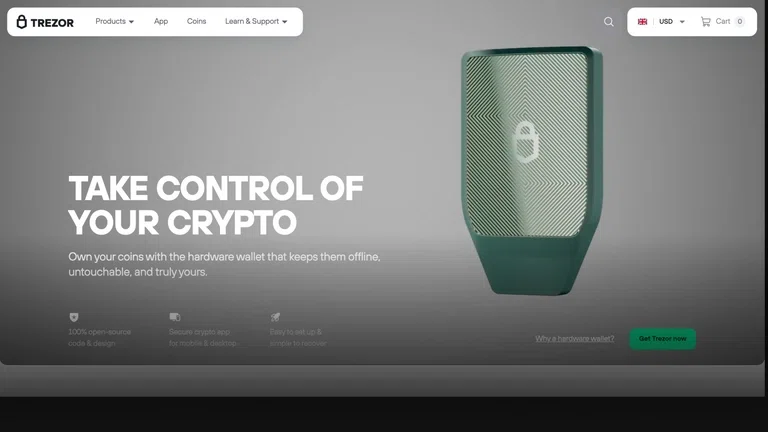
Trezor takes a different approach, with a strong emphasis on open-source development and transparent security design.
The Trezor Safe 3 and Safe 5 are the main models to consider. The Safe 3 uses a two-button interface, while the Safe 5 adds a color touchscreen and haptic feedback. Both use a Secure Element for additional hardware protection.
Trezor currently lists the Safe 3 at €79 and the Safe 5 at €169 in its European store.
Key Information
Feature | Trezor |
Example models | Safe 3, Safe 5 |
Price range | €79 to €169 |
Display | Buttons on Safe 3, touchscreen on Safe 5 |
Connectivity | USB-C |
Security | Secure Element + PIN/passphrase protection |
Software | Trezor Suite |
Robinhood Chain | Supported through Trezor's ecosystem |
Trezor's Safe 5 is designed for users who want a more visual interface when checking and approving transactions. The Safe 3 provides a simpler alternative at a lower price.
Pros and Cons
Pros | Cons |
Strong open-source focus | Safe 3 has a basic two-button interface |
Secure Element on current models | Safe 5 costs considerably more than Safe 3 |
Trezor Suite provides an integrated experience | USB-C focused connectivity |
Touchscreen available on Safe 5 | Some assets may require third-party wallet integrations |
Best suited for: Users who value open-source development, straightforward security controls, and a choice between a lower-cost device and a touchscreen model.
3. SafePal
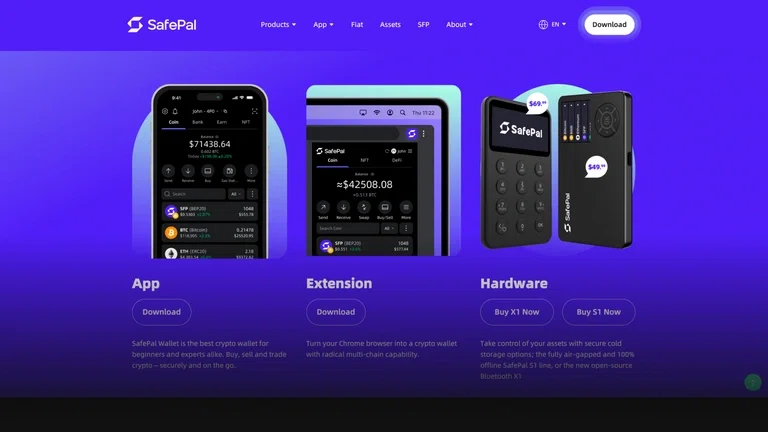
SafePal is one of the more affordable options in this comparison. The SafePal S1 is listed at $49.99, while the X1 is $69.99 and the S1 Pro is $89.99 on SafePal's official store.
The S1 uses QR-code-based communication and is designed around an air-gapped signing approach. SafePal says its hardware wallets support more than 200 blockchains.
Key Information
Feature | SafePal |
Example models | S1, X1 |
Price range | $49.99 to $69.99 |
Display | Color screen on S1, monochrome on X1 |
Connectivity | QR code on S1, Bluetooth on X1 |
Security | EAL6+ chip, PIN/passphrase and anti-tampering features |
Software | SafePal App and Extension |
Robinhood Chain | Native integration |
Pros and Cons
Pros | Cons |
Lowest starting price in this comparison | Less premium hardware design |
Air-gapped QR signing on S1 | S1 uses a smaller display |
Supports 200+ blockchains | Mobile/app-based workflow may not suit everyone |
Hardware and software ecosystem | Different models have different connectivity |
Best suited for: Users who want hardware-based self-custody at a relatively low upfront cost.
4. Keystone 3 Pro
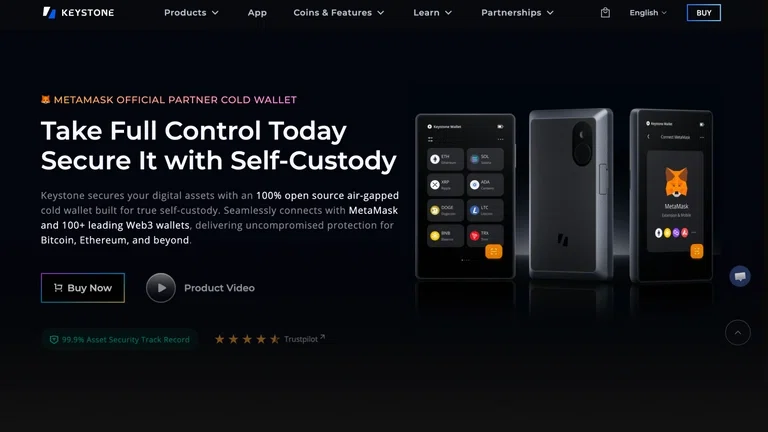
The Keystone 3 Pro focuses heavily on air-gapped security and a larger touchscreen interface.
Keystone lists the 3 Pro at $149. The device has a 4-inch touchscreen and uses an air-gapped mode designed to keep signing operations isolated from network connections. It also supports integration with software wallets such as MetaMask and other EVM-compatible wallets.
Key Information
Feature | Keystone 3 Pro |
Price | $149 |
Display | 4-inch touchscreen |
Connectivity | Air-gapped signing / USB-C |
Security | Three security chips and anti-tamper design |
Software | Compatible third-party wallets |
Robinhood Chain | EVM-compatible wallet setup |
Form factor | Large touchscreen device |
Pros and Cons
Pros | Cons |
Large touchscreen | Larger than many traditional hardware wallets |
Air-gapped mode | May require more wallet setup |
Three security chips | Less integrated ecosystem than some competitors |
Strong EVM wallet compatibility | More expensive than entry-level SafePal |
Best suited for: Users who prioritize air-gapped signing, a large transaction display, and compatibility with external EVM wallets.
5. GridPlus Lattice1
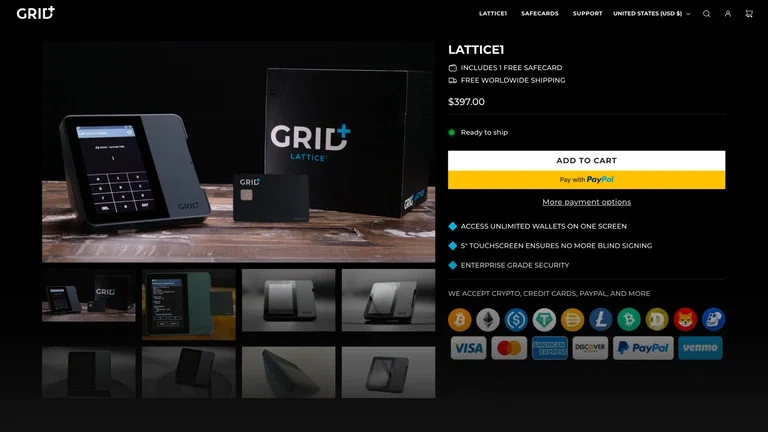
GridPlus Lattice1 is the most expensive device in this comparison. It is currently listed at $397 and includes a 5-inch touchscreen with a focus on clearly displaying transaction information before signing.
It is designed for users who interact frequently with DeFi, dApps, and multiple blockchain networks. GridPlus lists compatibility with wallets including MetaMask and Rabby and says the device supports all EVM chains and their tokens.
Key Information
Feature | GridPlus Lattice1 |
Price | $397 |
Display | 5-inch touchscreen |
Connectivity | Ethernet and other connectivity options |
Security | Secure enclave and tamper-detection systems |
Software | MetaMask, Rabby and other supported wallets |
Robinhood Chain | EVM-compatible |
Accounts | Supports multiple wallets/accounts |
Pros and Cons
Pros | Cons |
Largest screen in this comparison | Highest price |
Easy-to-read transaction details | Desktop-oriented design |
Designed for dApps and DeFi | More than many casual users need |
Broad EVM support | Less portable than compact hardware wallets |
Best suited for: Advanced users who interact heavily with DeFi and EVM applications and want a large screen for reviewing transactions.
Hardware Wallet Price Comparison
Price is one of the clearest differences between these devices.
Wallet | Model | Listed Price |
Ledger | Nano X | $149 |
Ledger | Flex | $249 |
Ledger | Stax | $399 |
Trezor | Safe 3 | €79 |
Trezor | Safe 5 | €169 |
SafePal | S1 | $49.99 |
SafePal | X1 | $69.99 |
Keystone | 3 Pro | $149 |
GridPlus | Lattice1 | $397 |
Prices are manufacturer-listed prices and are provided for comparison. Regional taxes, import duties, shipping costs and discounts can change what you actually pay.
Which Hardware Wallet Should You Choose?
There is no single hardware wallet that is objectively best for every Robinhood Chain user.
For the lowest upfront cost: SafePal S1 is the most affordable option in this comparison.
For a mainstream hardware wallet ecosystem: Ledger offers several models at different price points and has a broad software and third-party wallet ecosystem.
For open-source-focused users: Trezor is worth considering, particularly if the open-source approach and Trezor Suite are important to you.
For air-gapped security: Keystone 3 Pro places more emphasis on an offline transaction-signing workflow.
For advanced DeFi users: GridPlus Lattice1 is designed around dApp interaction, EVM networks and detailed transaction review, but its $397 price makes it a premium option.
What to Look for in a Robinhood Chain Hardware Wallet
Before buying a device specifically for Robinhood Chain, consider more than the price.
1. Network Support
Check whether Robinhood Chain is supported natively or whether you need to connect the hardware wallet through another EVM-compatible wallet.
2. Transaction Verification
A larger screen can make it easier to verify addresses and transaction details before signing. This can be particularly useful when interacting with DeFi applications.
3. Security Architecture
Look at how the device protects private keys, how transactions are confirmed, and whether it includes features such as Secure Elements, air-gapped signing or tamper detection.
4. Software Compatibility
The hardware device is only part of the setup. Check which software wallets and dApps you can use with the device, especially if you plan to use Robinhood Chain beyond basic transfers.
5. Total Cost
The advertised device price is not always the final cost. Shipping, taxes, import duties and backup accessories can increase the amount you pay.
How to Safely Use a Hardware Wallet With Robinhood Chain
Once you choose a device, security still depends heavily on how you use it.
Buy the hardware wallet directly from the manufacturer or an authorized reseller whenever possible. During setup, generate the wallet using the device itself and keep the recovery phrase offline.
Never enter your recovery phrase into a website, exchange, software wallet, form or message. The recovery phrase controls the wallet, not the hardware device itself.
Before sending assets to Robinhood Chain, verify that you are using the correct network and address. Robinhood Chain uses ETH for transaction fees, so make sure you understand the gas requirements before moving assets.
Finally, always verify transaction details on the hardware wallet's own screen before approving a transaction.
Conclusion
Ledger, Trezor, SafePal, Keystone and GridPlus all offer different approaches to hardware-based crypto security, and their prices range from around $50 to nearly $400.
For Robinhood Chain users, the most important factors are not simply brand or price. Check the device's current network support, how it connects to an EVM wallet, its transaction-verification experience, security architecture and overall compatibility with the applications you plan to use.
The right choice ultimately depends on whether you prioritize affordability, simplicity, open-source development, air-gapped security, or a premium interface for frequent onchain activity.
Top 5 Crypto Wallets for Robinhood Chain in 2026
Top 5 DEXs for Robinhood Chain in 2026
Frequently Asked Questions (FAQs)
Can I use a hardware wallet with Robinhood Chain?
Yes. Robinhood Chain is EVM-compatible, allowing supported hardware wallets to interact with the network directly or through compatible EVM wallet software.
Which is the cheapest hardware wallet for Robinhood Chain in this comparison?
The SafePal S1 has the lowest listed price at $49.99 among the models compared here.
Which hardware wallet has the largest screen?
GridPlus Lattice1 has a 5-inch touchscreen, making it the largest display among the five options compared here.
Does Robinhood Chain use ETH for gas?
Yes. ETH is the native gas token on Robinhood Chain.
Is a hardware wallet necessary for Robinhood Chain?
No. You can use software wallets, but a hardware wallet can provide additional protection by keeping the private keys isolated from an internet-connected device.
Should I choose an expensive hardware wallet?
Not necessarily. A more expensive device can offer a larger screen, additional connectivity or advanced features, but those features may not be necessary for every user. Your choice should depend on how you use Robinhood Chain and which security and usability features matter most.