0fiat · Gift Card
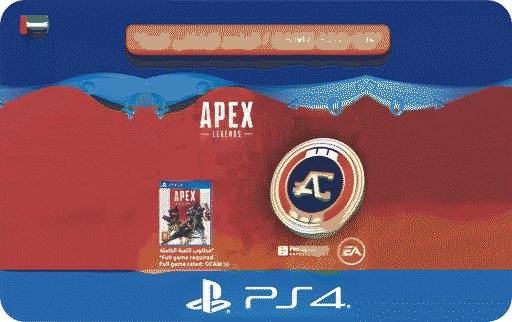 Sony ESD Apex Legends-1,000 Apex Coins
 AE
Card details
- Brand
- Sony ESD Apex Legends-1,000 Apex Coins
- Region
- 🇦🇪 UAE
- Card type
- Fixed value
- Value
- د.إ46
Sony ESD Apex Legends-1,000 Apex Coins Gift Card
Choose an amount
Pick one of the available card values.
Pay with
Card value د.إ46
You pay —
Delivered instantly to your email · no KYC
Terms & Conditions
- 01 This product is not refundable.
- 02 Valid for 12 months after purchase.
- 03 REDEMPTION INSTRUCTIONS:
- 04 Create your own Sony Entertainment Network account at -eu.playstation.com/registration- or sign into an existing one.
- 05 Go to PlayStationStore or our online store.
- 06 Select the -Redeem Codes- option.
- 07 Enter the 12 digit voucher code and then select -Continue-.
- 08 Follow the on-screen instructions to redeem your voucher code.
- 09 Gift card purchases are non-refundable and non-cancellable once the code is generated, delivered, or redeemed. If 0fiat is unable to deliver the gift card after receiving your funds due to a partner issue, the amount will be refunded to your wallet.
Gift Card FAQ
- How do I buy a Sony ESD Apex Legends-1,000 Apex Coins gift card with crypto?
- Choose an amount, pick the coin and network you want to pay with, and send the exact amount shown to the deposit address. Your code is delivered as soon as the payment confirms on-chain — no account verification or KYC.
- How quickly is the Sony ESD Apex Legends-1,000 Apex Coins gift card delivered?
- Instantly. The code appears on screen once the crypto payment confirms.
- Do I need to verify my identity?
- No. 0fiat does not require KYC to buy a gift card with crypto.
- Which cryptocurrencies can I pay with?
- USDT, USDC and other major coins across several networks. The available coins and networks are listed at checkout with a live quote before you pay.